Latest Resource Articles
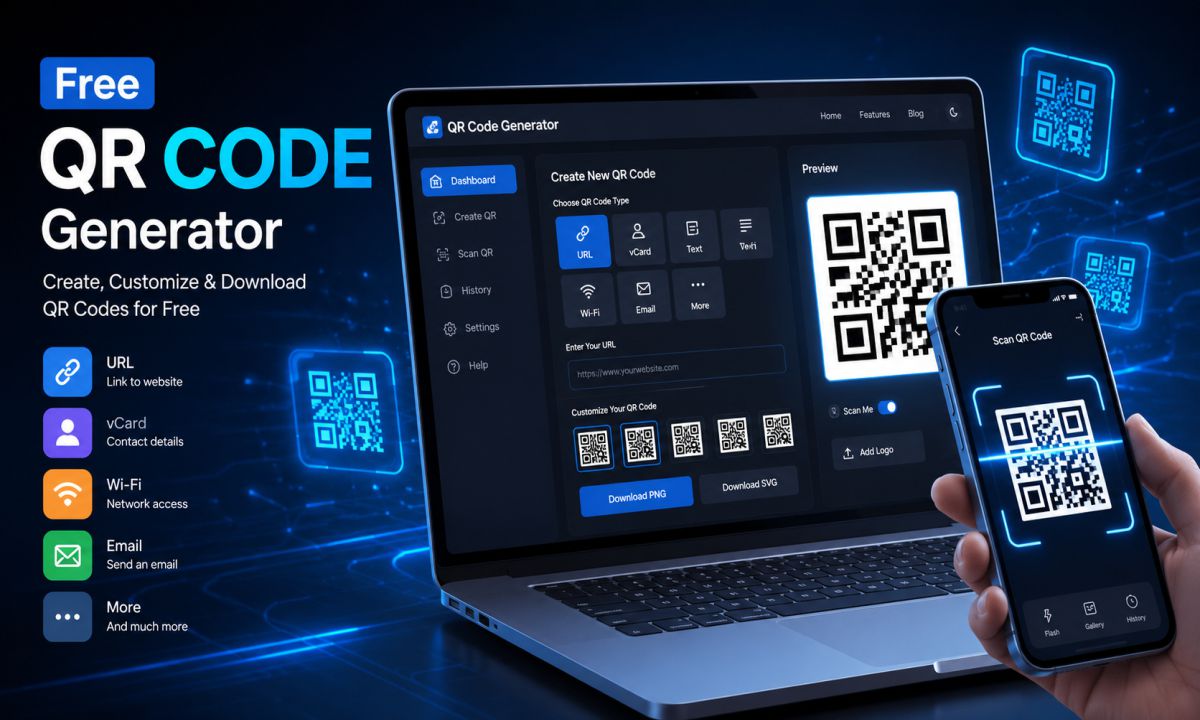
How to Create a QR Code for Free Online in 2026 | Free QR Code Generator
QR codes are everywhere today — from restaurant menus and payment systems to business cards and social media profiles. The best part? You can now create a QR code online for free in just a few seconds.Whether you want to share a website link, WhatsApp number, WiFi password, or digital business card, a free QR code generator makes the process fast and easy.In this guide, you’ll learn exactly how to generate a QR code for free, how QR codes work, their benefits, and the best practices for using them effectively.What is a QR Code?A QR code (Quick Response Code) is a type of barcode that stores information such as:Website URLsPhone numbersText messagesWiFi credentialsPayment linksSocial media profilesContact informationUsers simply scan the code using their smartphone camera to instantly access the information.Why Use a Free QR Code Generator?Using a free QR code generator offers many advantages:1. Instant SharingShare links and information instantly without typing long URLs.2. Professional AppearanceQR codes make business cards, posters, menus, and packaging look modern and professional.3. Better User ExperienceUsers can access content with a single scan.4. Marketing BenefitsTrack engagement and improve offline-to-online conversions.5. Completely FreeMost basic QR code tools are available at no cost.How to Create a QR Code for FreeFollow these simple steps to create a QR code online:Step 1: Open a Free QR Code GeneratorUse a trusted online QR code generator tool.CTA Example:👉 Use our free tool to create unlimited QR codes instantly.Step 2: Select the QR Code TypeChoose the content type you want to convert into a QR code:Website URLTextEmailPhone NumberWiFiWhatsAppUPI PaymentvCardStep 3: Enter Your InformationAdd the content you want users to access.Example:https://yourwebsite.com Or:WiFi Name: MyWiFi Password: 12345678 Step 4: Customize Your QR CodeMany tools allow you to customize:QR colorsBackgroundLogoShape styleSizeCustom QR codes look more attractive and improve branding.Step 5: Generate the QR CodeClick the “Generate QR Code” button.Your QR code will be created instantly.Step 6: Download and UseDownload the QR code in formats like:PNGJPGSVGThen use it on:PostersPackagingBusiness cardsSocial mediaWebsitesTypes of QR Codes You Can CreateWebsite QR CodeRedirect users directly to your website.WhatsApp QR CodeStart instant chats without saving numbers.WiFi QR CodeConnect to WiFi automatically after scanning.Business Card QR CodeShare contact details quickly.UPI Payment QR CodeAccept digital payments instantly.Benefits of QR Codes for BusinessesBusinesses use QR codes for:Digital menusProduct packagingMarketing campaignsCustomer feedbackPayment systemsEvent registrationsQR codes help improve customer engagement and reduce manual effort.Common Mistakes to AvoidUsing Low-Quality ImagesBlurry QR codes may not scan properly.Adding Too Much CustomizationOver-designing can reduce readability.Not Testing the QR CodeAlways test before printing or sharing.Using Very Small SizesKeep the QR code large enough for easy scanning.Are Free QR Codes Permanent?Most static QR codes are permanent and do not expire.However, dynamic QR codes may depend on the provider’s subscription plan.Tips for Better QR Code SEO & MarketingAdd QR codes to flyers and bannersUse on product packagingShare on Instagram and WhatsAppInclude QR codes in YouTube videosAdd QR codes to invoices and receiptsFinal ThoughtsCreating a QR code online is simple, fast, and extremely useful for both personal and business purposes. Whether you need a website QR code, WiFi QR code, or WhatsApp QR code, a free QR code generator can help you create one in seconds.